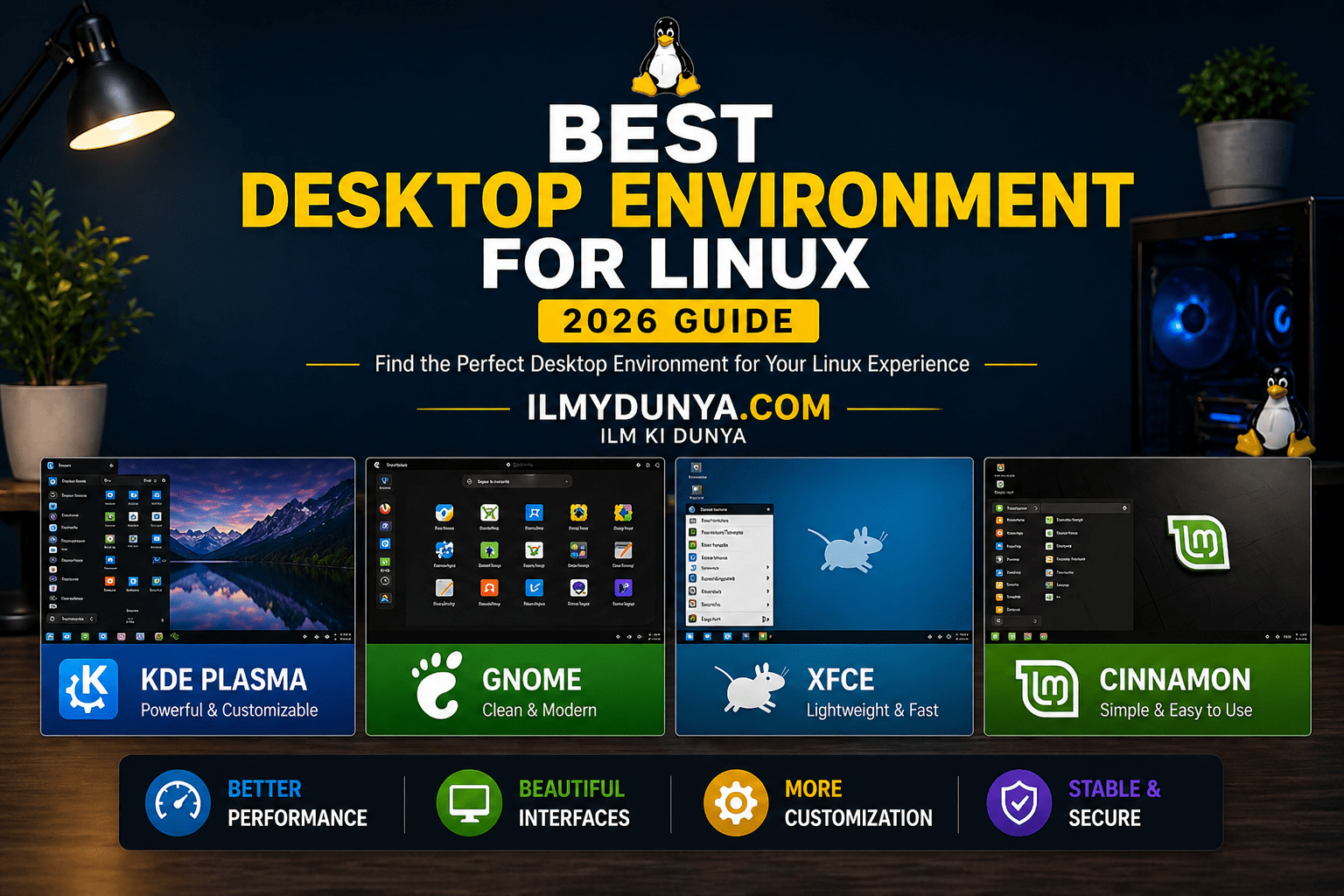

Customization is one of Linux’ most important features. A big part of the customization on the Linux operating system is the desktop environment. The desktop environment can make your system visually appealing and user friendly. Selecting the best desktop environment for Linux can determine the user experience of your system.
In this guide, we will describe and categorize the available desktop environments on Linux. We’ll describe their design, functionality and practical use cases. Tips have also been added to help make the right decision for your needs.
What is a Desktop Environment in Linux?
Linux’s desktop environment is the graphical user interface. It is the part of the system with which the user interacts. It is everything that the user can see, including icons, panels, menus, and system settings.
When a desktop environment is not installed, the system will run on the command line interface which can be user unfriendly. Desktop environments make the user experience easier and add a layer of visuals between the user and the system.
The components that Desktop Environments use:
- Window manager (manages the windows that are displayed)
- File manager (manages displayed files and folders)
- Panels and menus (used for navigation)
- Themes and icons (used for the design and appearance of the system)
Simple Understanding:
The whole visual experience of your Linux system is known as a desktop environment.
Why Choosing the Right Desktop Environment for Linux is Important
Selecting the optimal desktop environment for Linux is beyond the aesthetics of the window manager and others — it transforms the experience of the complete system.
To begin, different Desktop environments affect system resource usage of the available hardware differently. While some desktop environments burn lots of CPU and RAM and are very resource hungry, others are very efficient and are optimized to run on low resources.
Second, the design and the usability. An environment can appear hip, while another can appear to follow a predictable and traditional model with a taskbar.
Third, it can hardly be debated that customization is the killer feature. Many Linux addicts have this to an unreasonable degree, where the level of individual preference and control is unparalleled.
Lastly, it can be argued that the choice of environment reflects lifestyle. If one is a Software Engineer or Students or even just a casual Computer user, the environment ought to make each and every of the tasks much easily done.
Top Desktop Environments – Design, Exposition & Key Features
We will discuss the commonly argued, some of the best window managers for Linux, along with design and utility of each.
1. GNOME – Modern Minimal Experience
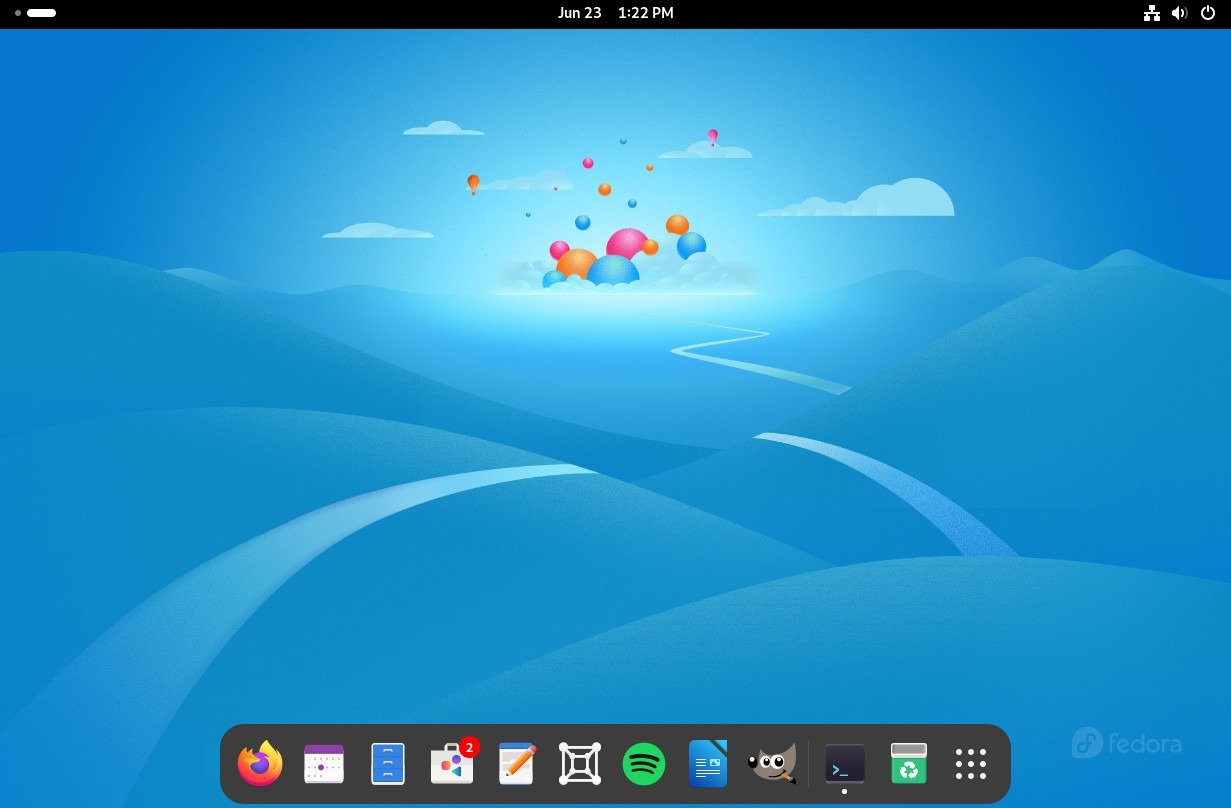
Design
With a very clean design, GNOME is a minimal environment. Usual distractions are cleared, and the traditional start menu is replaced with an Activities Overview.
Explanation
Deservedly, GNOME is for the productivity junkies. It is a fine contemporary system, smooth and relaxing, though heavy on the system.
Key Points:
- Simple UI
- Clean Animations
- Optimize Efficiency
- Heavy on Resources
- Lacks customization
Who Should Use This: Beginner developers
2. KDE Plasma – Ultimatum Customization
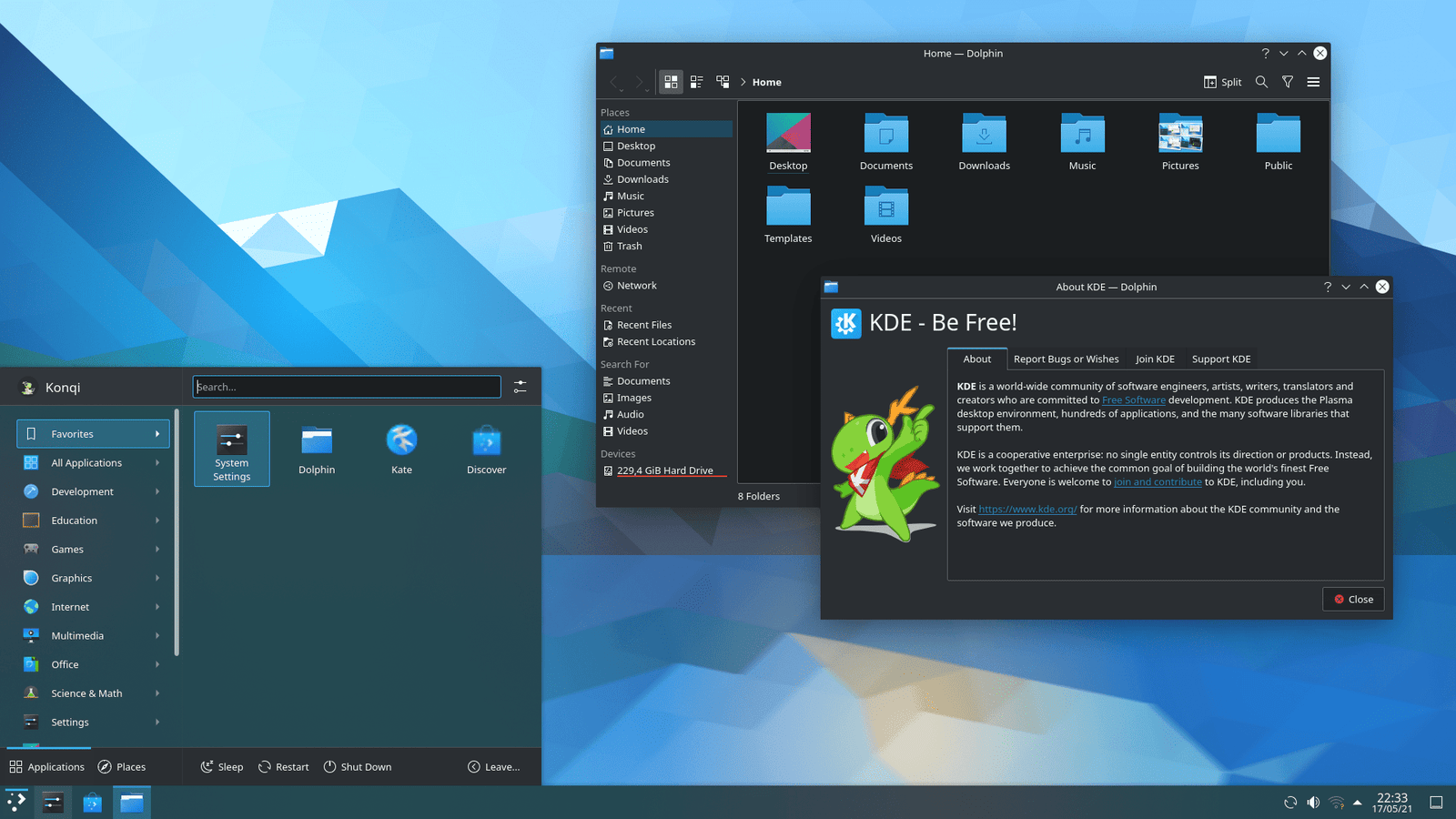
Design:
Highly customizable, enrich KDE Plasma’s UI however you see fit.
Explanation:
What’s more customizable than the top-dog desktop environment for Linux? Nothing; that’s why it’s number two.
Key Points:
- Ultimate Freedom
- Good Looking
- Intuitive
- Too Much for Newbies
Who Should Use This: Customization Junkies
3. XFCE – Fast and Reliable
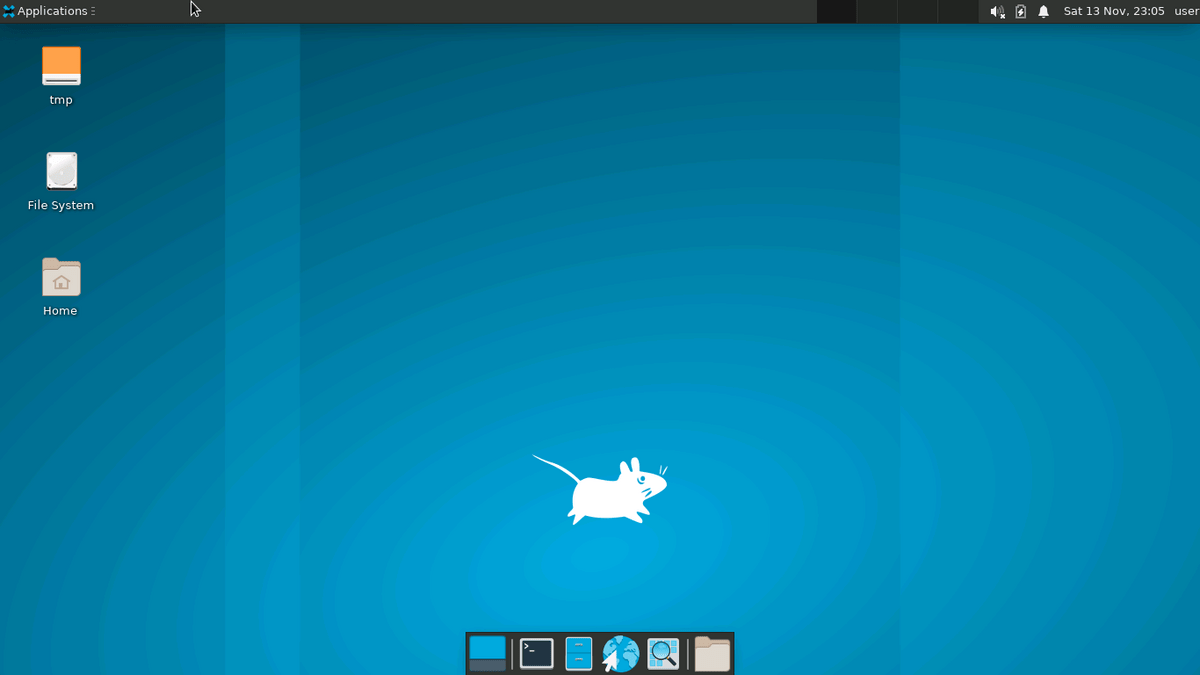
Design:
Simple design XFCE’s good looks may be lacking, but the focus is on performance.
Explanation:
This is a great environment for older laptops. Speed, lightweight, and stable are XFCE’s key factors.
Key Points:
- Packing lite
- Speedy
- Reliability
- Simple Design
Who Should Use This: Speedy performance for older computers
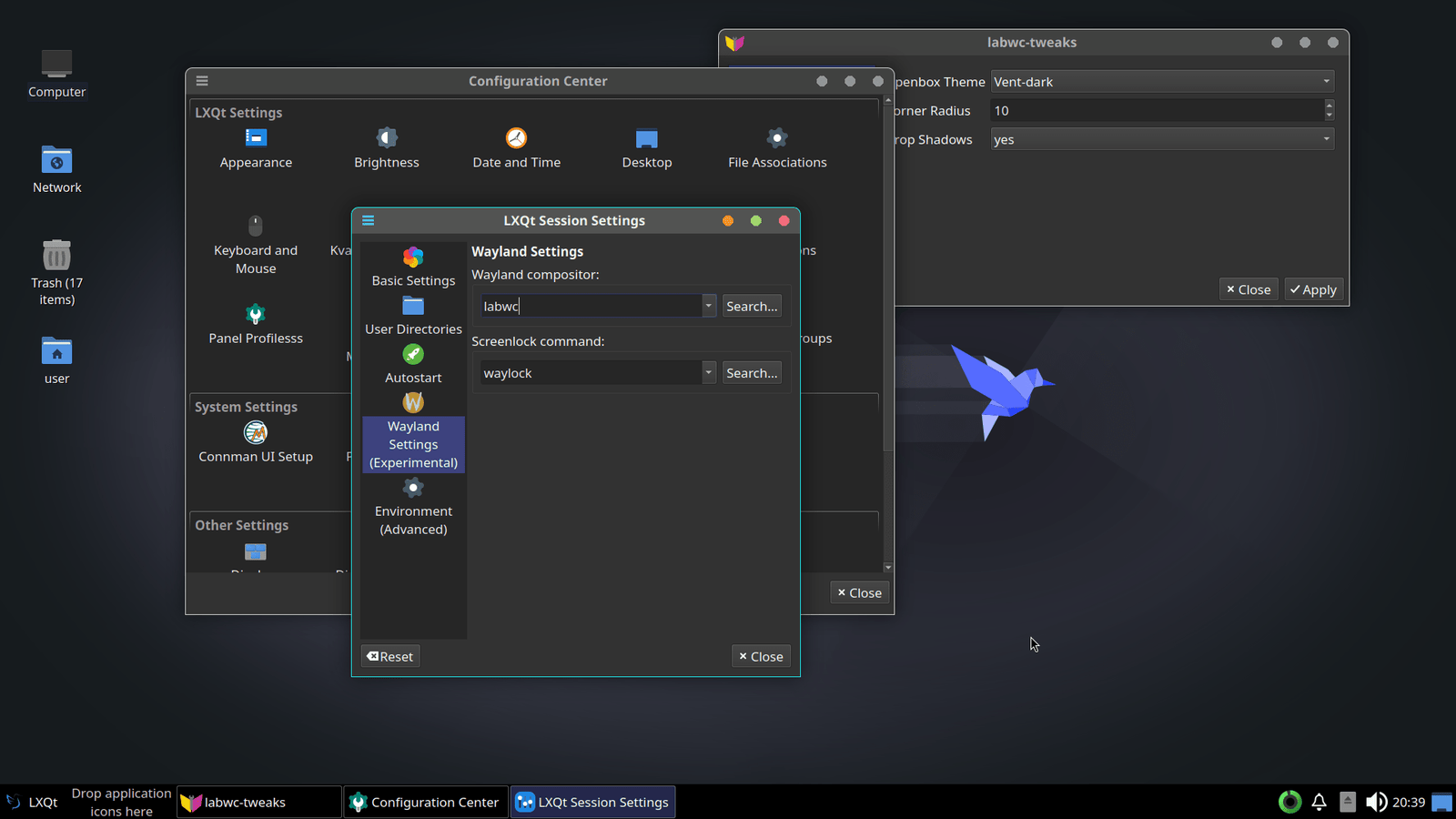
4. LXQt – Lightest of the Light
Design:
Simple design, almost 0 effects
Explanation:
Made for maximum speed.
Important details:
- Speedy
- Minimum RAM usage
- Easy to use
- Fewer features and design
Ideal for: Outdated PCs
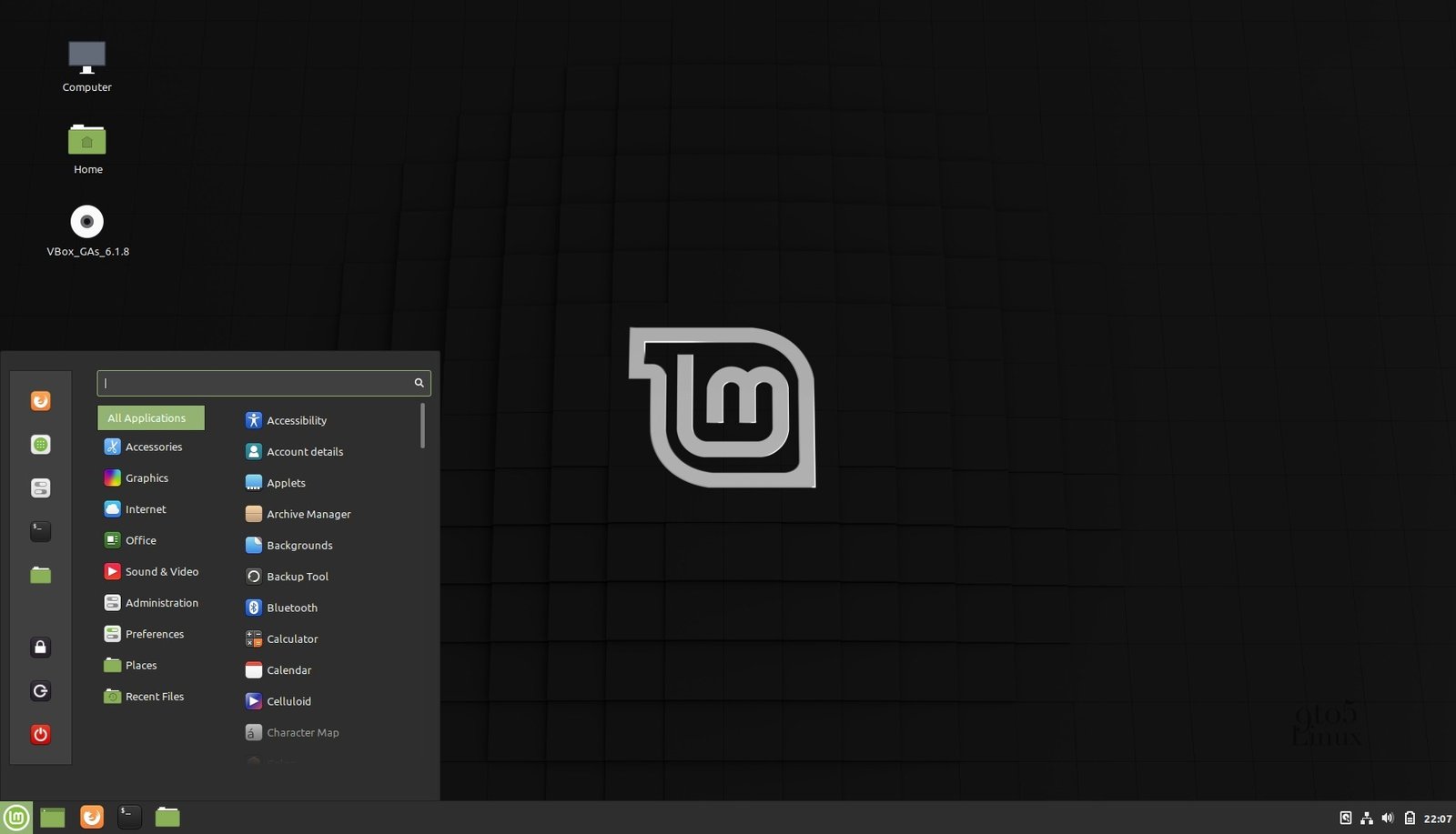
5. Cinnamon – Fundamentals Made Easy
Design:
Comes with a traditional setup similar to Windows. It has a start menu, task bar, and system tray.
Explanation:
Cinnamon is simple and offers a decent balance between performance and features.
Important details:
- Easy for beginners
- Design is user-friendly
- Consistent Performance
- A bit more demanding compared to lightweight options
Ideal For: Users moving to Linux from Windows
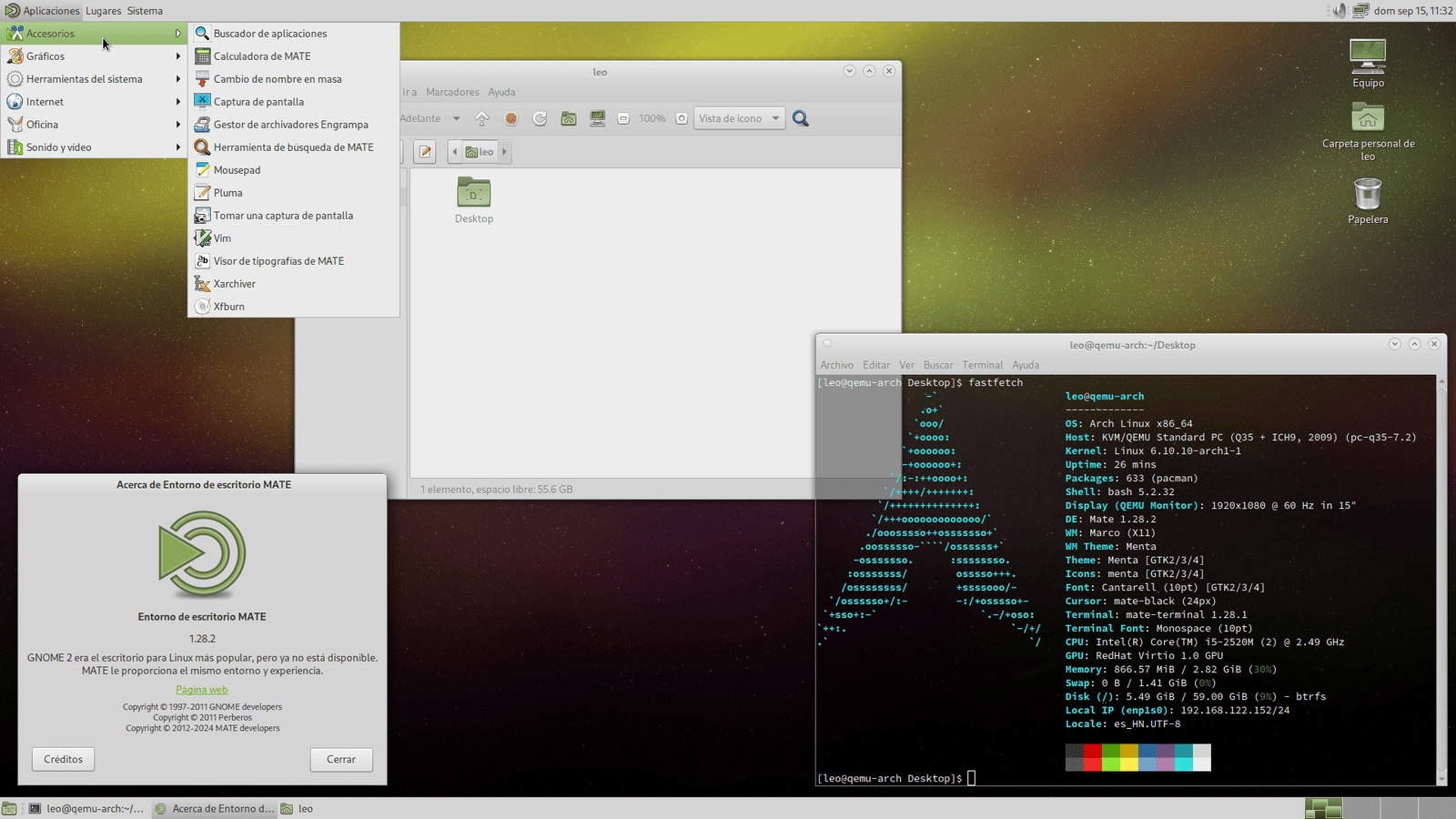
6. MATE – Proven Classic
Design:
MATE takes a cue from classic layouts of legacy Linux systems.
Explanation:
Focuses on providing simplicity and stability over graphics.
Important details:
- Minimal system footprint
- Market Proven Stability
- Percent Compatible
- Out of date graphics
Ideal for: Users seeking legacy Linux
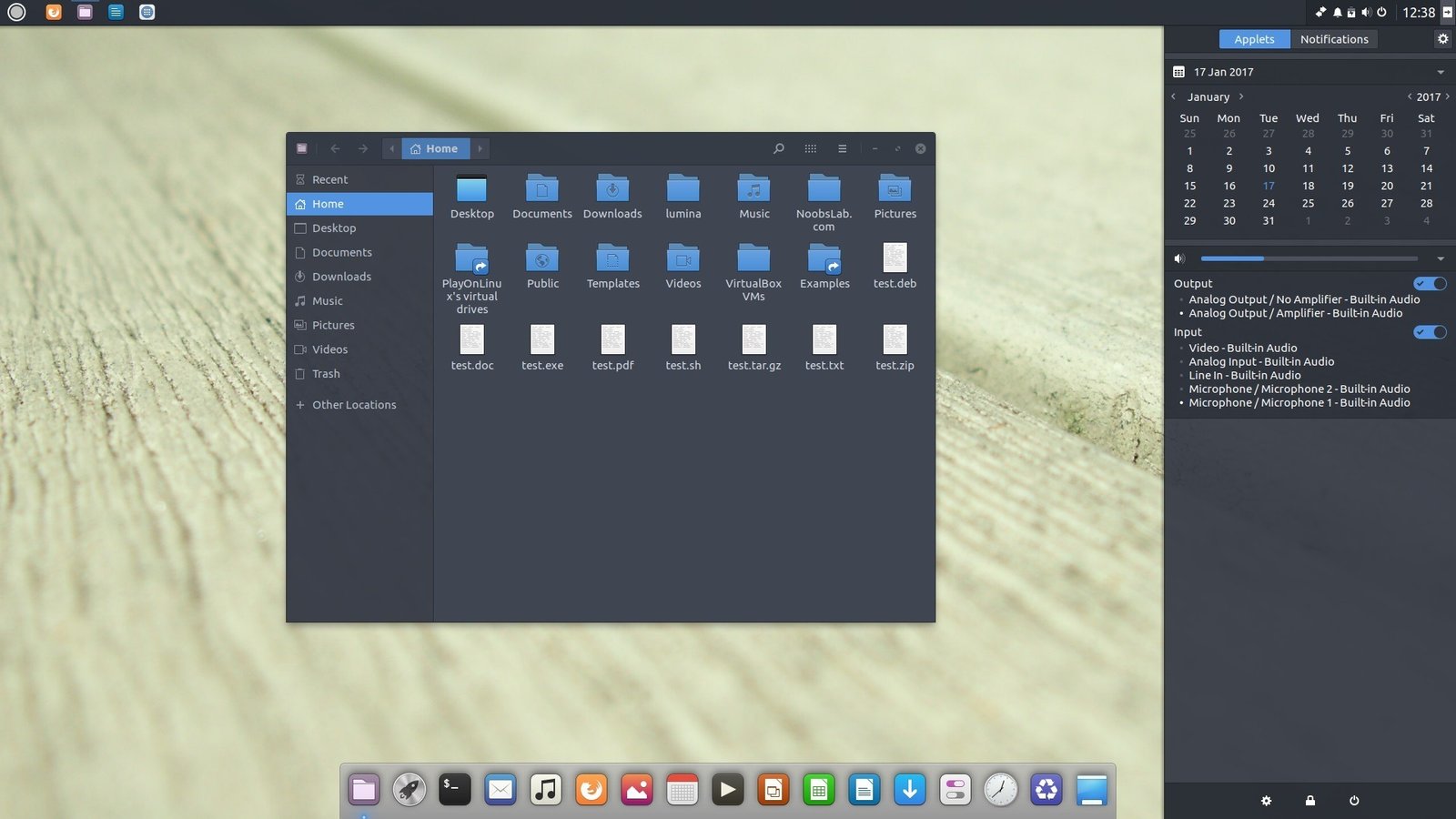
7. Budgie – a simple modern design
Design:
A simple modern design with the Raven panel providing quick access to settings.
Explanation:
Blends simplicity with a modern aesthetic.
Stylistic features:
- Stylish and Intuitive Interfaces
- User friendly
- All-around acceptable performance
- Less ability to modify than KDE
Best For: Anyone who prefers a nice UI without any hassle.
Environments to Consider
- You Can Try Out All Operating Environments
Simply Login in to the Linux and select any Operating Environment from the drop down menu.
- Work Environment of Devices Varies
The performance of KDE and GNOME are great, but XFCE and LXQt are great operating environments for less capable machines.
- Pick Your Operating Environment Wisely
The operating environments, such as XFCE, can be as modern or retro as you’d like.
- Wayland vs. X11
Wayland is compatible with modern operating environments. X11 is a great alternative for most cases.
Consider This When Using a Linux Operating Environment
If you are ever unsure, rely on the indicators:
- New PC: KDE or GNOME
- Old PC: LXQt or XFCE
- Customization: KDE Plasma
- Beginner: Cinnamon
- Convenience: Budgie or MATE
Rule of Thumb:
You should take into account your needs and your system specifications when deciding on a desktop operating environment.
Maximizing Performance
These tips can help you with performance regardless of your selected desktop environment.
- Remove startup applications you don’t need.
- Lightweight themes improve performance.
- Use fewer extensions.
- Keep your operating system updated.
- More RAM can help.
Conclusion
Everyone has a different opinion on what the best desktop environment for Linux is. It is a matter of what each user prefers.
Some users care about speed. Some of them care about the designs and visuals of the environment. Others care about the level of customization the environment allows.
These things can vary. One of the best features about Linux is the ability to choose what is best for you.