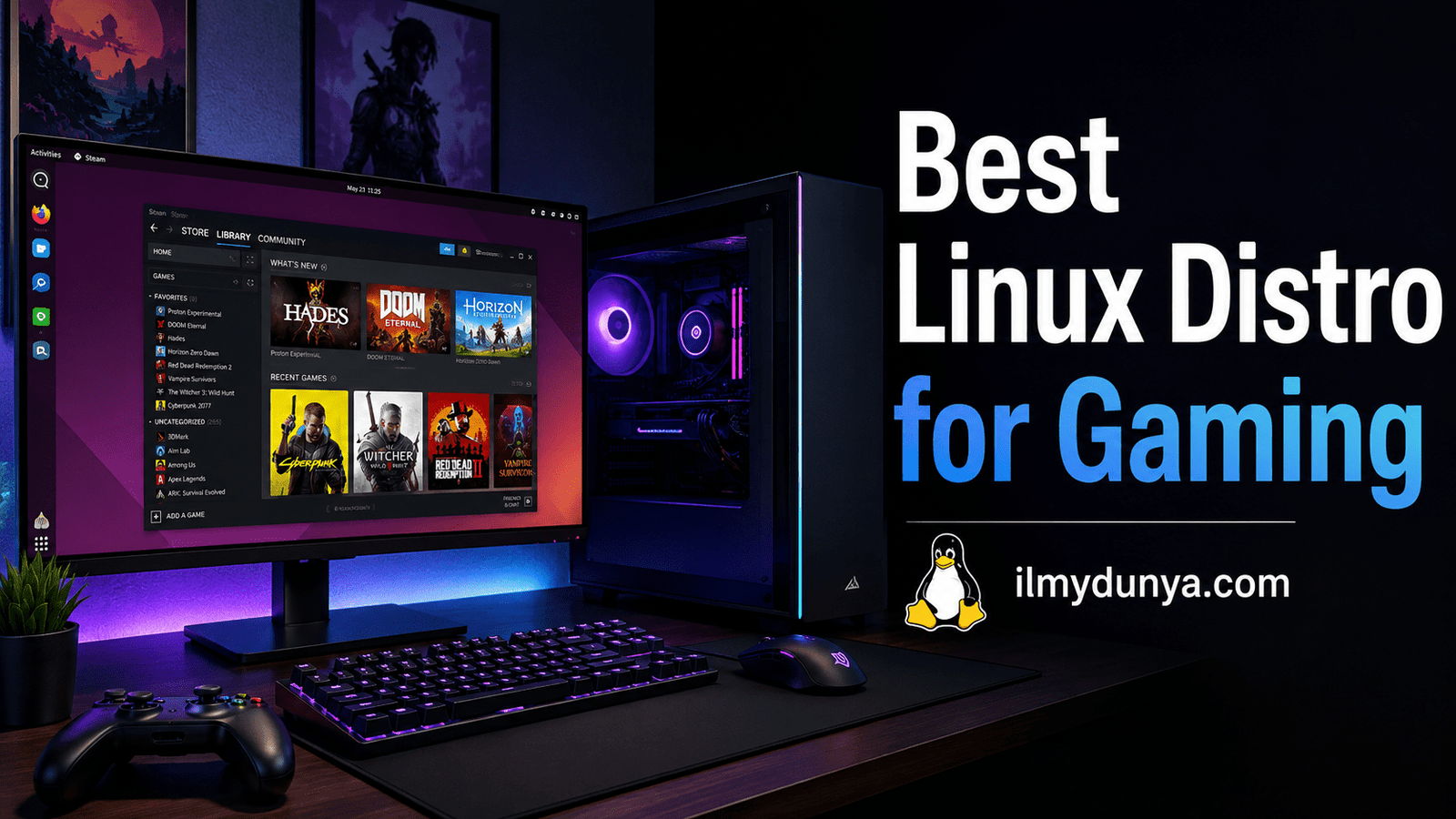

If you’re switching to Linux from Windows, it can be hard to choose the best Linux distribution for gaming. There are so many different variants of Linux, different distributions, different features, and each has a different level of performance and accessibility.
The following simple tutorials from ilmydunya.com aim to help beginner users pick what Linux distribution is best for gaming, what distribution is best for Steam, Proton, NVIDIA graphics, and for all day usage.
There have been many advancements and improvements to Linux and gaming . With the use of Steam, Proton, Wine, Vulkan, and a lot of graphics drivers, there are many Windows games that run on Linux with no trouble. That’s not to say that every game just runs. A lot of online multiplayer games that have anti-cheat systems run a lot of trouble. Thus the importance of picking the right distribution is highlighted.
What Is A Linux Gaming Distro?
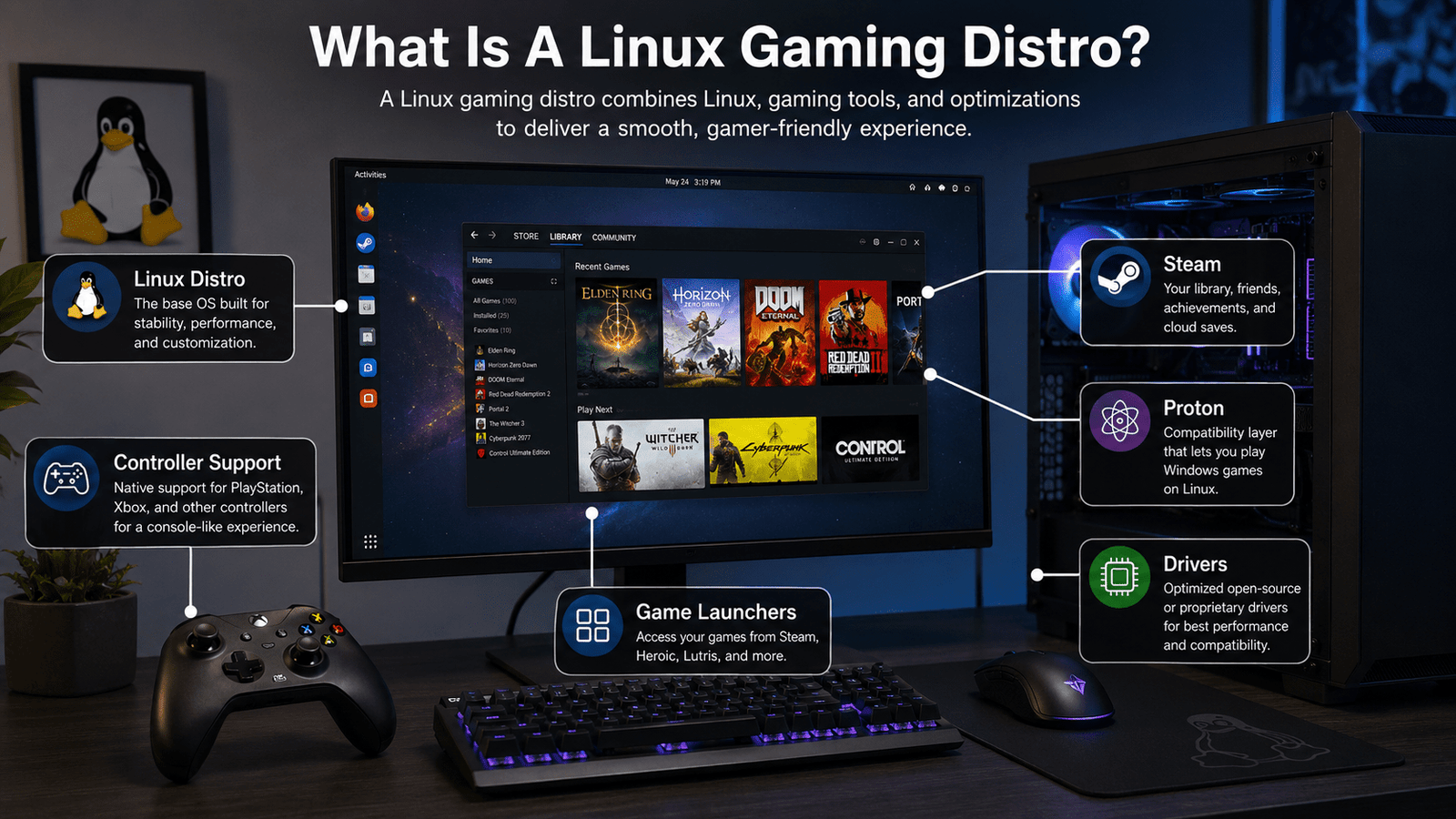
A Linux distribution is, in a simple definition, a full operating system built with the use of Linux. A distribution of Linux is a variation of Linux that has their own operating system, their own apps, their own systems, their own settings.
A Linux gaming distribution is built for a smoother gaming experience. That means that a distribution will have Steam, Proton, game launchers, drivers, controllers, and valuable performance tools. There are some Linux distributions that are built for everyday use and some distributions that are built with the intent of gaming. If you are a beginner, pick a distribution that is easy to install with little to no manual configurations.
Best Linux Distro for Gaming
The best Linux distribution for gaming for the majority of newer users is the Bazzite distribution. That distribution is a gaming distribution that works with Steam to the point that it is very similar to SteamOS.
But every user has their own specific needs. Some users want the most powerful system available. Some users want a system with a simple desktop user interface like Windows. Others want an efficient gaming system that can also handle their studies, office work, and content creation.
These are system recommendations that best meet the listed needs.
- Bazzite: Best overall for gaming
- Nobara Linux: Best for gaming and content creation
- CachyOS: Best for high performance
- Pop!_OS: Best for users with Nvidia cards
- Linux Mint: Best for users transitioning from Windows
- Ubuntu: Best for community support
- SteamOS: Best for use with Steam Deck
Bazzite: Best Gaming Linux Distro
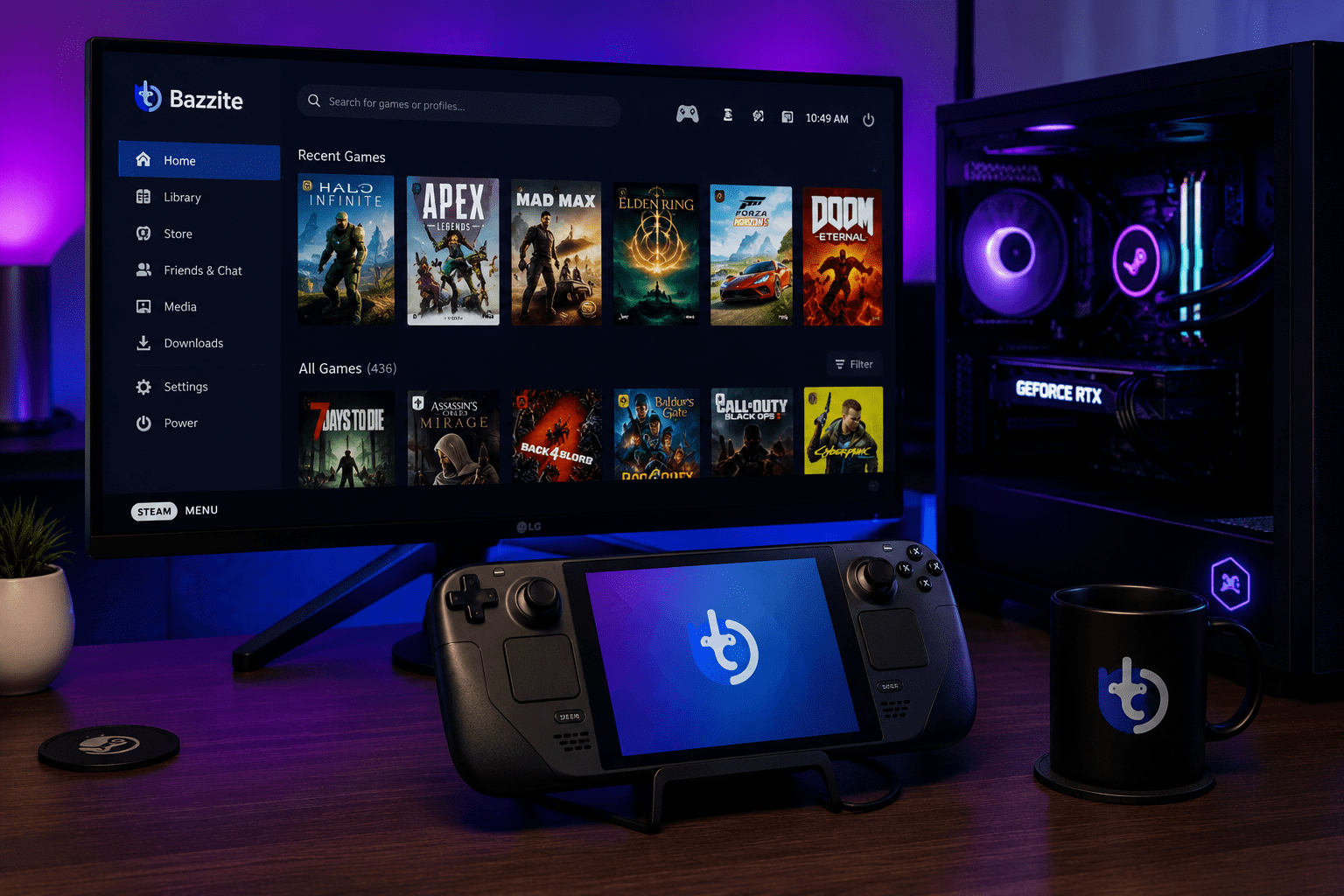
Bazzite operates best with users who want a system designed out of the box for use with Windows. Bazzite also works best with users who want gaming with a handheld gaming system or a gaming PC that works like a gaming system.
Bazzite comes with a ton of gaming applications. So, you probably won’t have to mess around with any of the applications you would typically associate with gaming, and you also won’t have to configure any basic gaming preferences. Bazzite also works best for users who buy games through the Steam storefront. If users buy games on Steam, then your user experience with Bazzite will be exemplary.
Why Choose Bazzite?
Bazzite wins user experience with an operating system that is modern out of the box and works for gaming. Bazzite also works best for users who want an operating system designed like SteamOS, but loading with applications for regular gaming.
Bazzite is also designed to work with gaming controllers, gaming application launchers, and modern gaming systems hardware. For users who are novices with setting up Windows, Bazzite is also a good operating system to work with.
Nobara Linux: Best for Gaming and Daily use
Another out of the box operating system for gaming is Nobara Linux which is based on the Fedora Linux operating system, but work with a vast amount of applications out of the box for gaming.
This choice works for those who want to take care of their daily computing needs as well as for gaming, streaming, gameplay recording, and video editing.
For those who have Nvidia graphics cards, Nobara has some editions which have the Nvidia drivers.
Why Choose Nobara?
Nobara is almost like a regular desktop operating system, but has additional gaming support, which makes it usable for games, work, studies, and content creation.
Nobara is heavily recommended if you are looking for a multipurpose Linux system.
CachyOS: Best for Performance
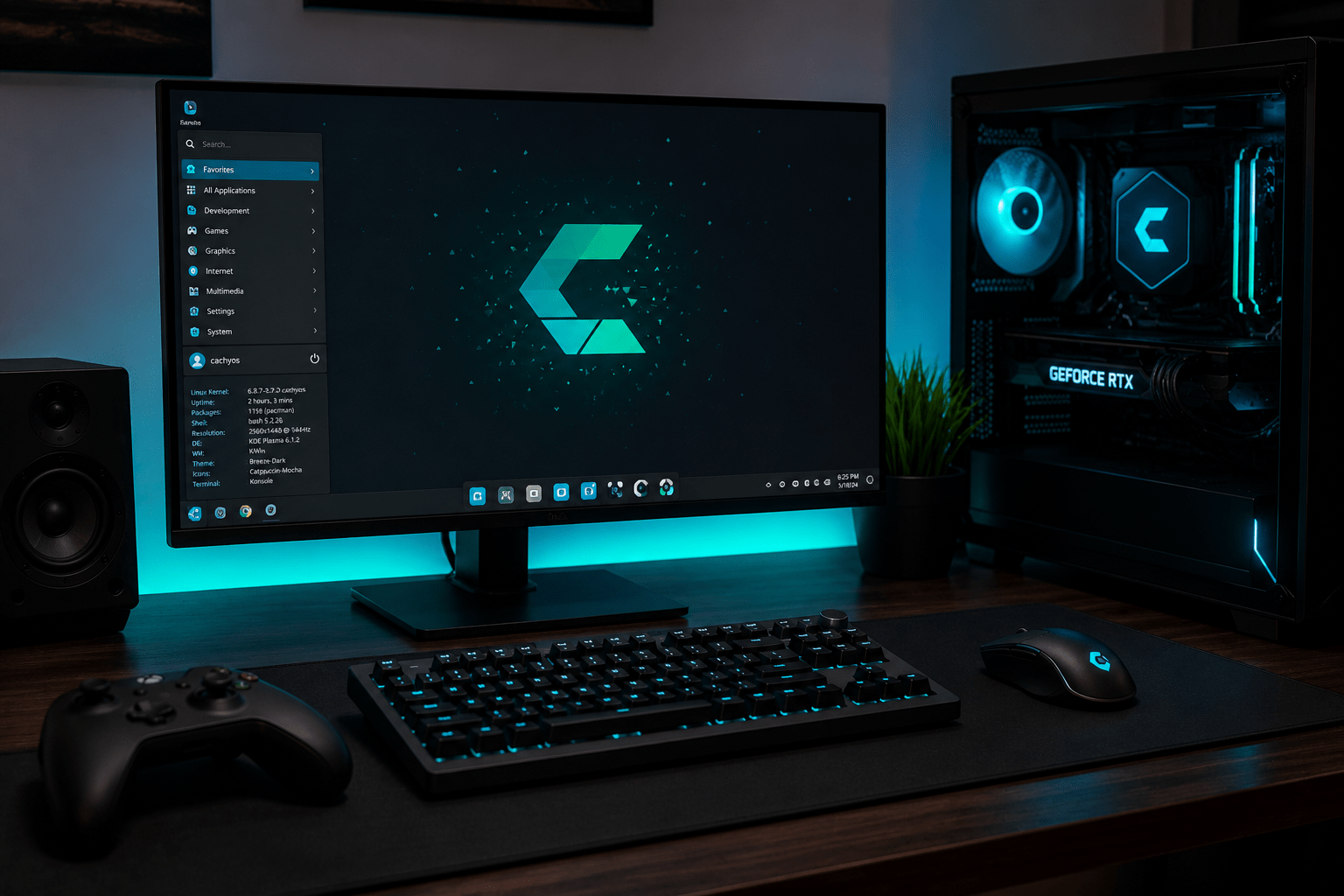
CachyOS is an Arch-based Linux system that is intended to be fast and highly performant.
Gaming wise, CachyOS has a lot of potential and can perform exceptionally well, but it isn’t the best option for beginners.
For those who like to experiment and learn, CachyOS can be a fantastic gaming distro.
Why Choose CachyOS?
If you want a brand new Linux system and like speed and performance, CachyOS is for you. It can be a really good option for hardcore Linux gaming.
If you have never used Linux before and want some support in the beginning, you can also consider Bazzite and Nobara.
Pop!_OS: Best for Nvidia Users
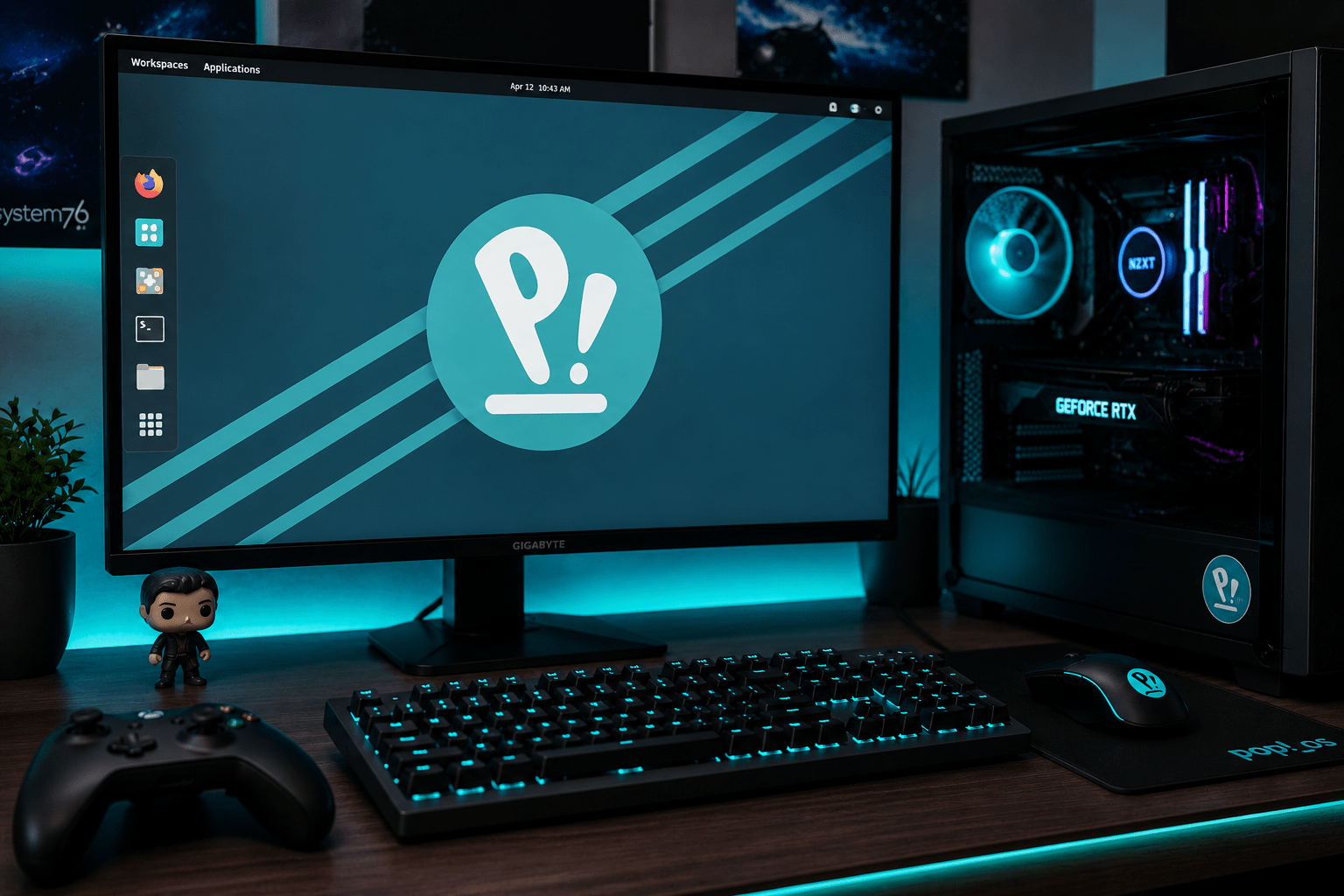
Pop!_OS is a great and simple entry-looking Linux distro that is often favored by gamers.
If you have an Nvidia graphics card, Pop!_OS is often the best option as the driver is often straightforward to use and to get it set up as opposed to some of the other Linux options.
Pop!_OS is an OS option worth looking into by students and professionals, and those who doing daily computing while mixing in recreational gaming.
So, Why Install Pop!_OS?
For those who want a great and reliable Linux OS to use for gaming, and daily computing tasks, Pop!_OS is for you.
Pop!_OS isn’t as gaming-oriented as Bazzite and Nobara, but offers a higher level of stability and ease of use for beginners.
Linux Mint: Easiest for Windows Migrants
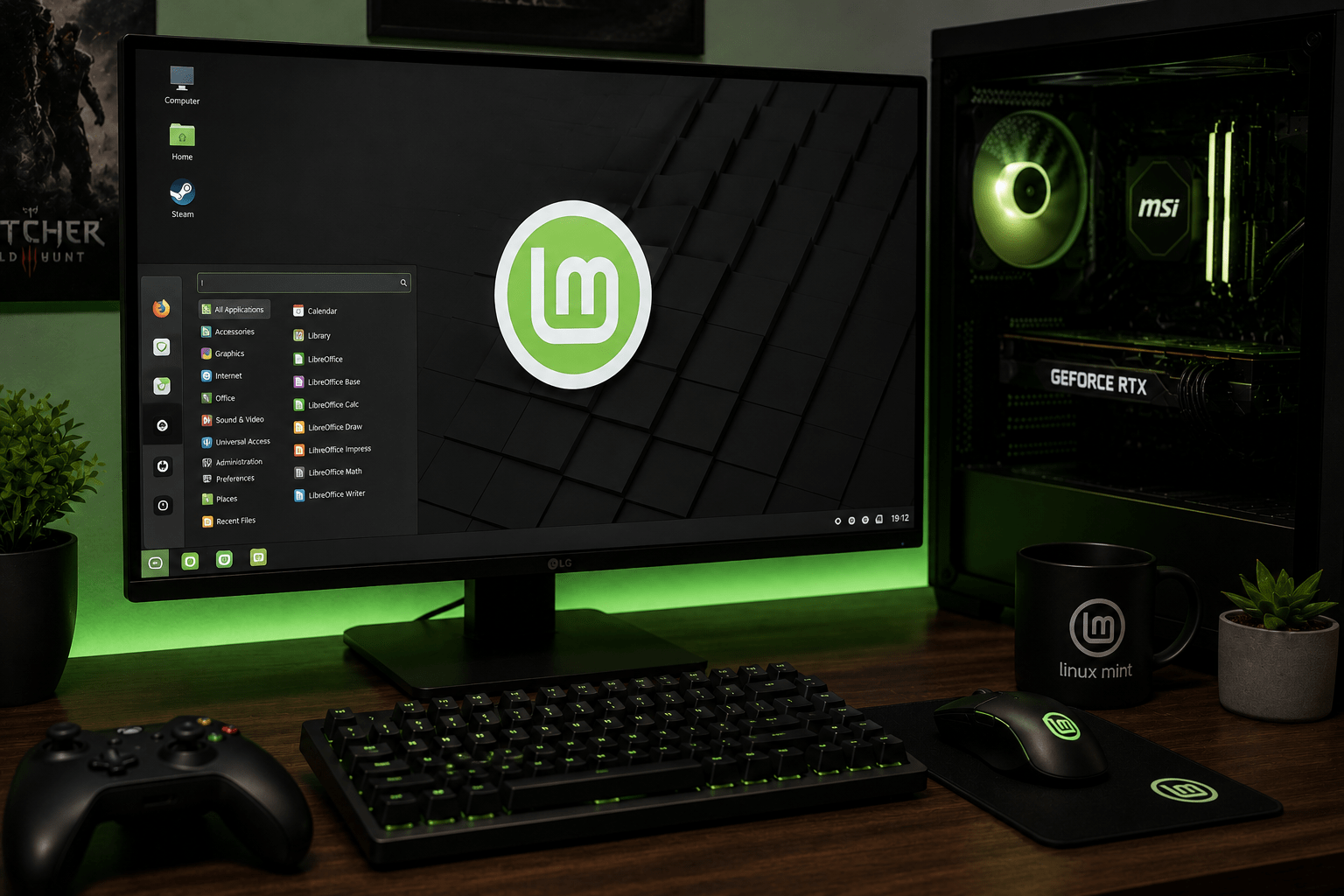
Linux Mint is very easy to use and is an OS to look into for Windows OS users. The desktop is an easy to use and view design.
It’s as easy to use and play on as Linux OS as Bazzite and Nobara and you are free to download and install Steam, Proton, Lutris, and all other tools you would usually use for Linux gaming.
It’s a great option OS for beginners, and casual gaming.
Why Install Linux Mint?
Offering a reliable and easy to use OS, Linux Mint offers the perfect stepping stone to first time non-Windows users who may feel a bit intimidated to make the switch.
It’s a great option OS for those looking for an easy to use operating system and desktop and just a simple gaming experience.
Ubuntu: Easiest OS to Use for Beginners
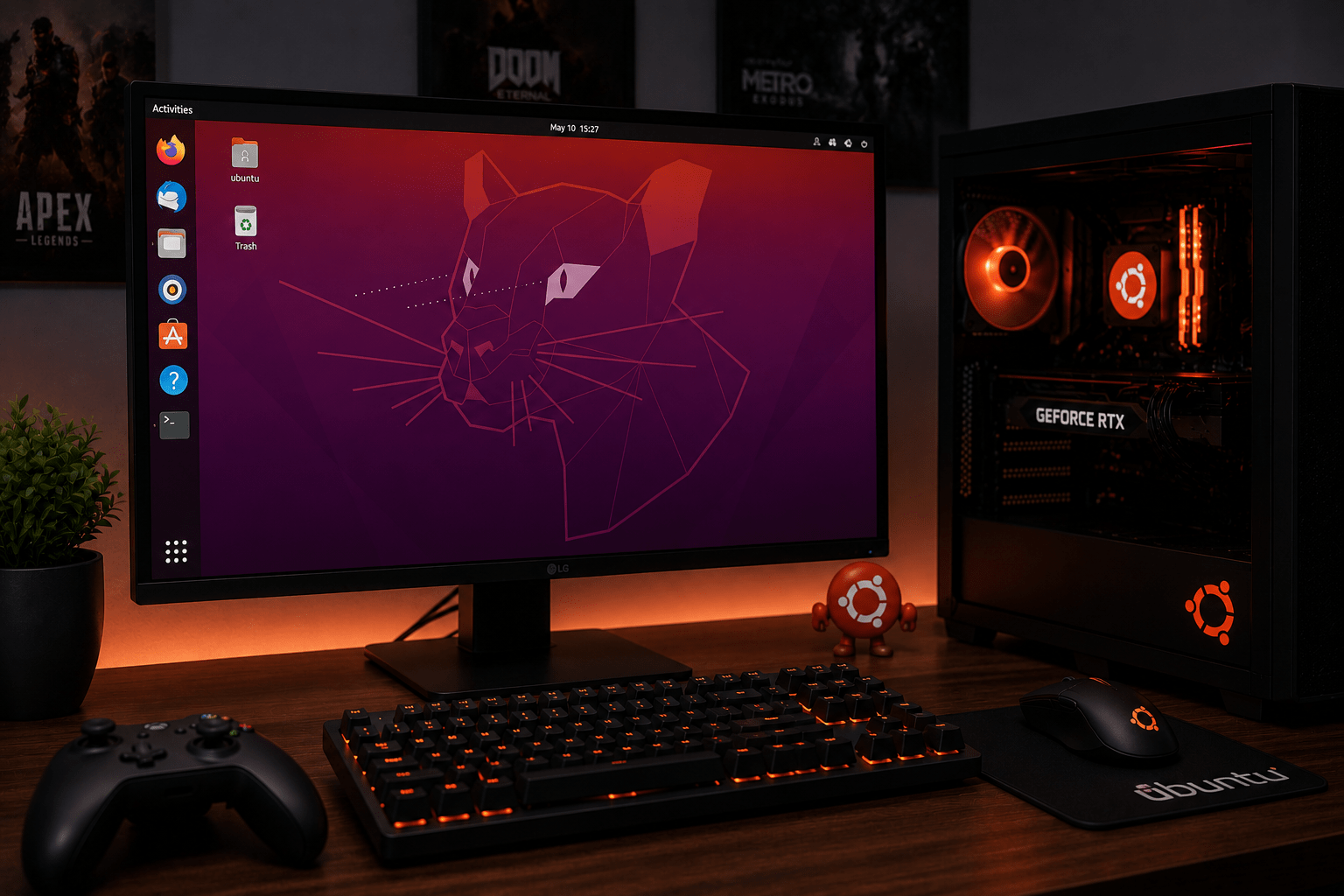
For those who want a more of a gaming Linux based OS that offers stability and the ability and access to easy to find OS guides and tutorials, Ubuntu is for you.
When it comes to gaming, Ubuntu can run Steam and Proton, but if Ubuntu is a Linux OS for gaming beginners, and offers great support and an easy to use UX.
If your priority is gaming, your best picks are Bazzite or Nobara.
SteamOS: Best of Steam Deck
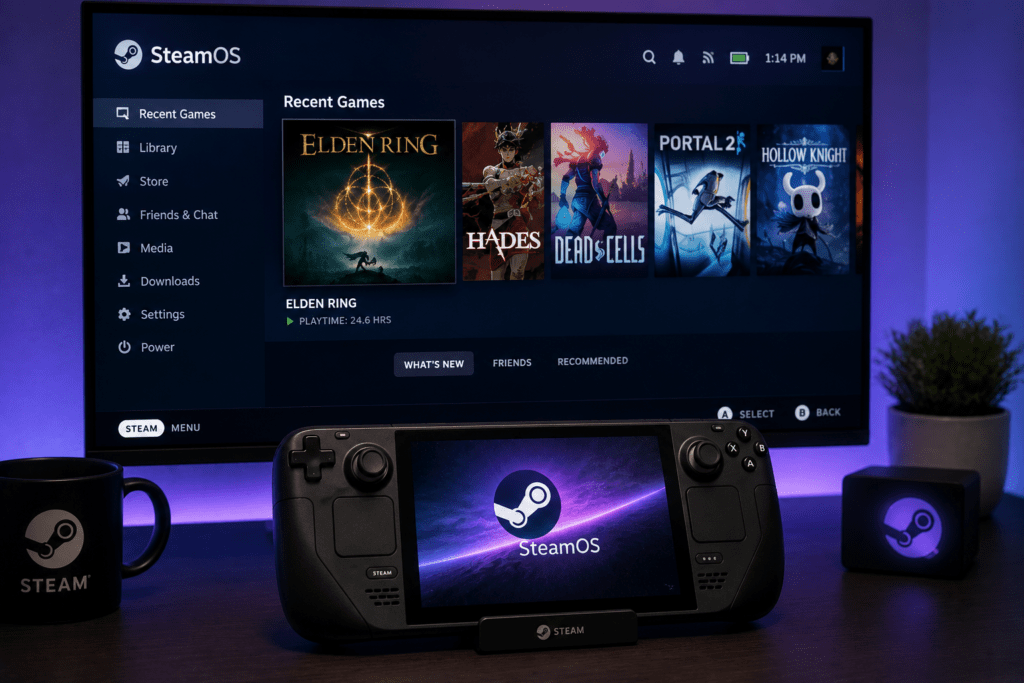
SteamOS is Valve’s main gaming operating system. It works best on Steam Deck as the software and hardware are designed together.
SteamOS offers a console-like gaming experience with Steam, controller support, and a clean gaming interface.
But for average desktop PCs, Bazzite is the better SteamOS alternative.
Why go with SteamOS?
If you have a Steam Deck go with SteamOS. For a regular gaming PC, Bazzite is the better choice.
Best Linux for Steam Games
If you plan on primarily playing on Steam games on Linux, your best picks are Bazzite, Nobara, and SteamOS.
Steam uses Proton to run a majority of Windows games on Linux. If you are looking to switch to Linux, make sure to verify your top games on ProtonDB guide. This site lets you review games and offers insight to how they function on Linux or what additional rules are needed to achieve this.
This is a crucial thing to do as you review which games work and which are useless.
Best Linux for NVIDIA Gaming
For those with the NVIDIA chipset, your best picks are Nobara and Pop!_OS. Installing these two operating systems for your PC helps cut confusion for beginner users and is a good choice.
NVIDIA drivers are crucial for performance. If drivers are not functionally installed, games may lag, disappear, crash, or fail to launch.
For those with the AMD chipset, your best picks are Bazzite, Nobara, and CachyOS.
Best Linux for Low-End Gaming PCs
For older or low-end PCs, Linux Mint is a great option. It is light, and simple and has a small system footprint.
Your gaming rig is ultimately only as good as your hardware. Linux can smooth out your operating system but can’t turn a potato into a gaming laptop.
For lighter older games, Linux Mint can work.
Which Linux Distro Should You Choose
- For an easy gaming distro, go for Bazzite.
- If you like gaming with a gaming-default Distro, go for Nobara Linux.
- If you want a more current Operating System, go for CachyOS.
- For an easy setup with NVIDIA, go for Pop!_OS.
- If you’re completely new to Linux and want something simple to use, go with Linux Mint.
Conclusion
For simplicity and easy gaming, use Bazzite. It’s useful, gaming-centered, and works with both Steam and Proton.
If you want your Distro the same for gaming as your daily use, go for Nobara. If you want a more performance- and easiness-oriented Distro, go for CachyOS.
For easy gaming, Bazzite is your best route and be sure to check your games out on ProtonDB to make sure you’re good to go.